
Schedule pickup of your pending labels on the days you choose
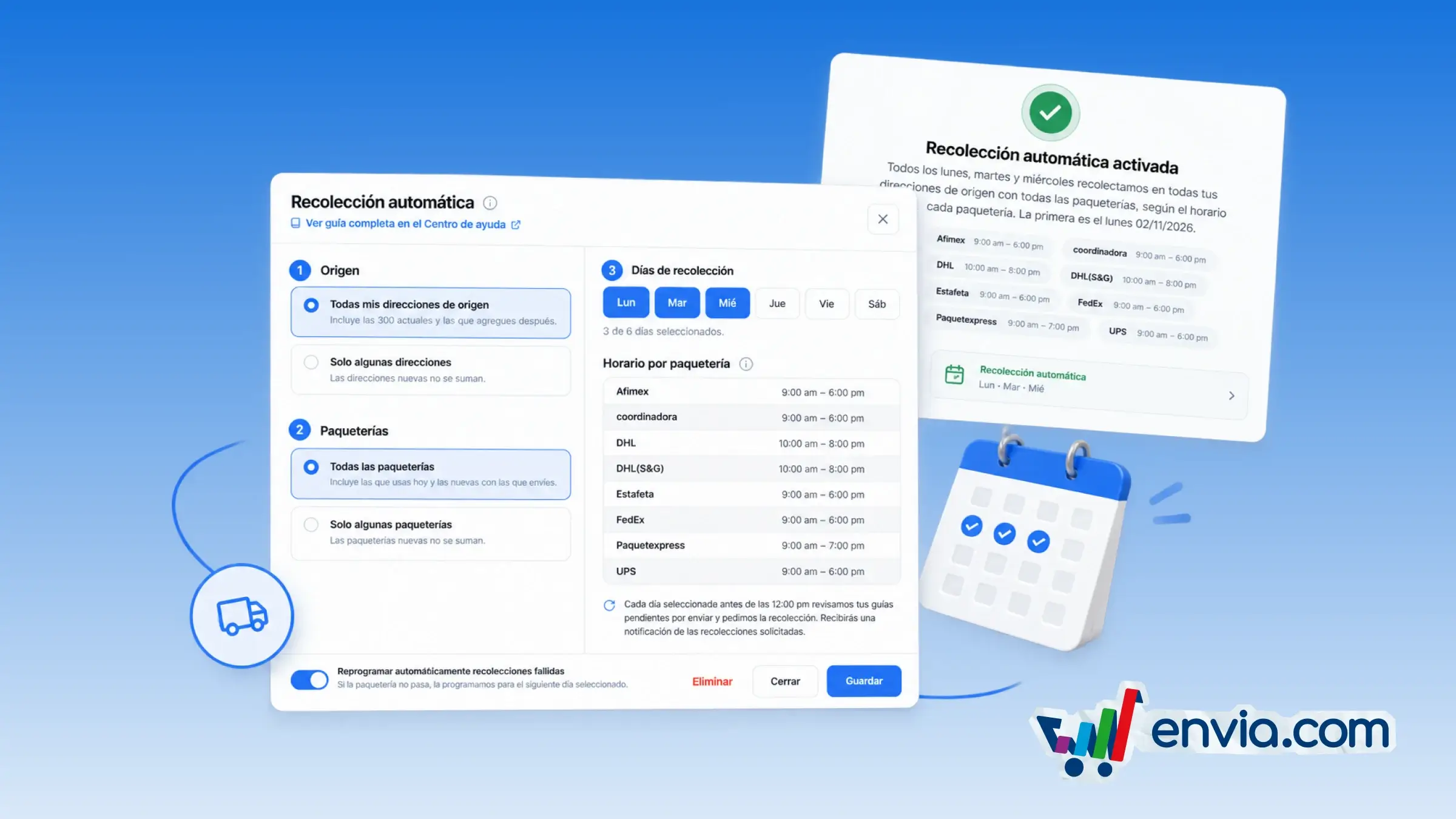
You can schedule pickup of your pending labels on the days you choose, from Pickups. You choose whether it applies to all your origin addresses or only some, and whether it covers all the carriers you generated labels with or only some. On each selected day, before 12:00 p.m., Envia reviews the pending labels to ship and requests pickup from each carrier, with the time window that carrier shows. If there are no pending labels that day, no pickup is requested. It is useful when you generate labels often and want to see the next pickup, the bell notification and the Automatic tag in the list. It saves you from requesting pickups one by one and shows you when the carrier will come.
Benefits
- You choose the days from Monday to Saturday, the origin addresses and the carriers included in automatic pickup.
- On each selected day, before 12:00 p.m., Envia reviews your pending labels and requests pickup without you having to ask again.
- You see the next pickup, get a notification when it is requested, and recognize those pickups by the Automatic tag.
Note
Pausing or deleting the setup does not cancel a pickup that was already requested. It is available for companies in Mexico, and Sunday cannot be selected.