
Find and connect your store in the filterable ecommerce catalog
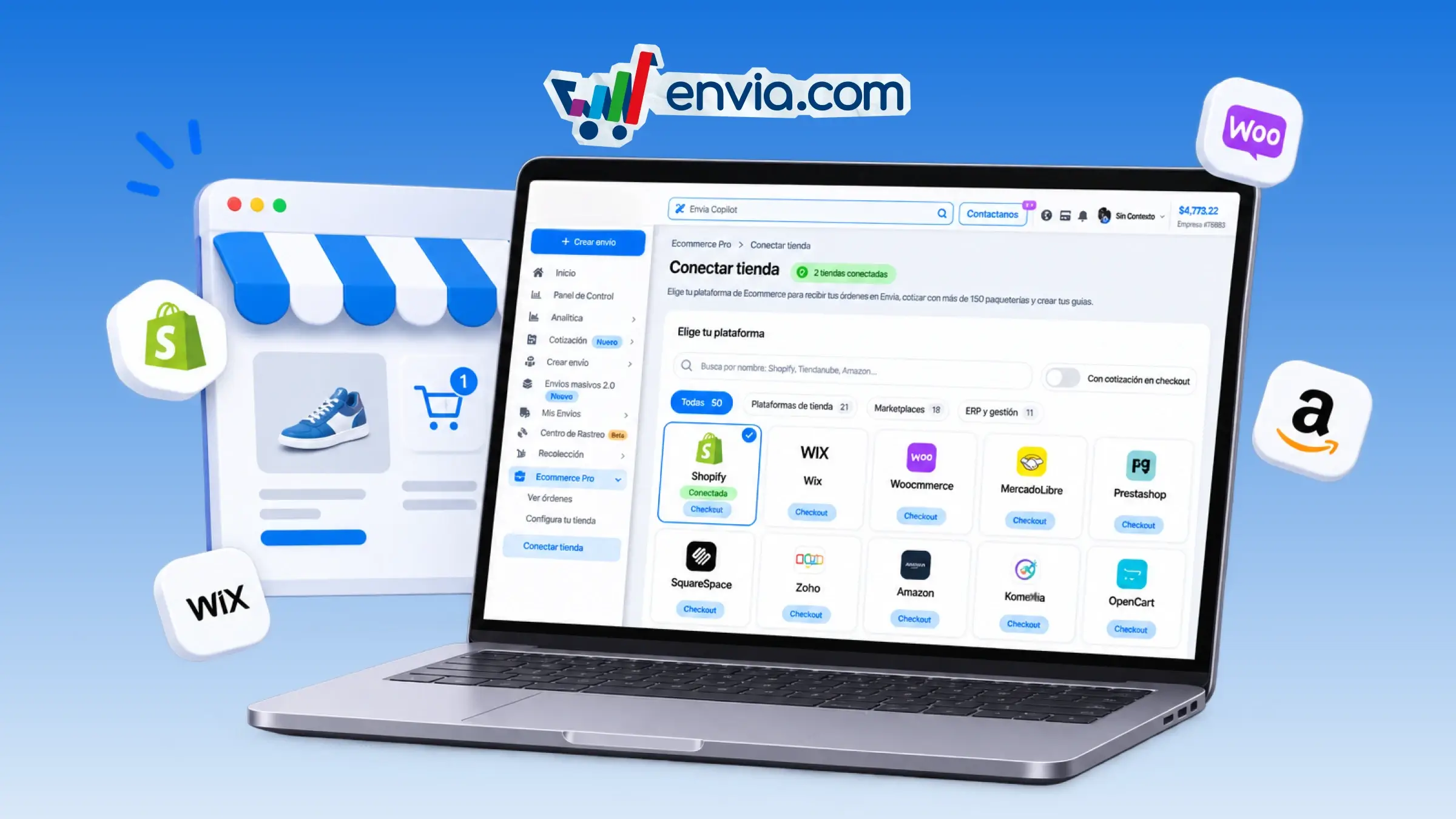
You search for your store's platform by name and connect it to receive orders in Envia. You type Shopify, Tiendanube or Amazon, or choose store platforms, marketplaces or ERP and management. If you want to see only those that show rates at payment, you turn on With checkout quotes. Envia marks the stores that are already connected, and the count opens the list of your integrations. When you choose a listing, the authorization opens in another tab. This way you connect WooCommerce to generate labels or Mercado Libre to quote at checkout, and you find the platform without scrolling through the full list.
Benefits
- You decide which store to connect and leave for later those you don't want to run on Envia yet.
- You quote each order with your carriers and generate the label in Envia, without entering the store data by hand.
- On platforms with checkout quotes, your buyer sees the shipping rates at the moment of payment.
Note
With checkout quotes shows only the platforms that already offer rates at payment. It does not turn on that quoting by itself.