
Restructured sidebar menu in Envia.com
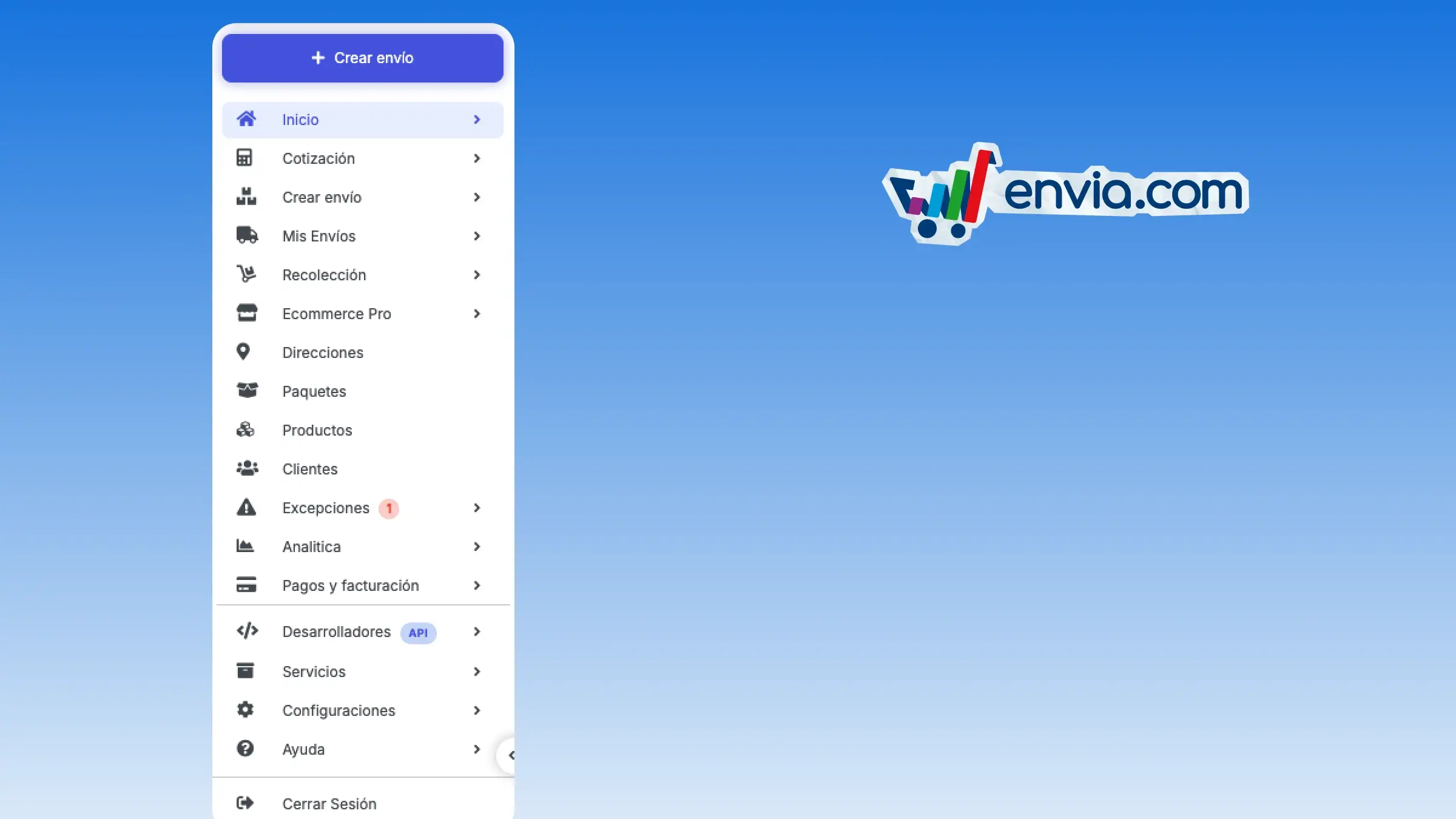
The sidebar menu has been restructured and keeps all the options, grouped according to the work you do. Quote, generate a label, review your shipments, schedule a pickup and open your orders remain in the main section. Excel upload and Bulk Shipments 2.0 are now inside Create Shipment, and tracking is inside My Shipments. Incidents, tickets, overweight charges and failed deliveries are grouped under Exceptions, and the number of pending items is visible even if you don't open that section. Addresses, packages, products and customers remain as their own options. Payments and Billing stays in the main list, and developers, services, settings and help are at the bottom of the menu.
Benefits
- You keep all the menu options, grouped for quoting, generating a label or scheduling a pickup.
- The number of pending tickets and incidents is shown in Exceptions even when that section stays closed.
- You check tracking inside My Shipments to tell your buyer where their package is.
Note
Bulk Shipments 2.0 appears inside Create Shipment in Mexico, the United States, Colombia and Chile. Products and customers appear in the main account.