
Add up to 10 services to your automatic shipping rules
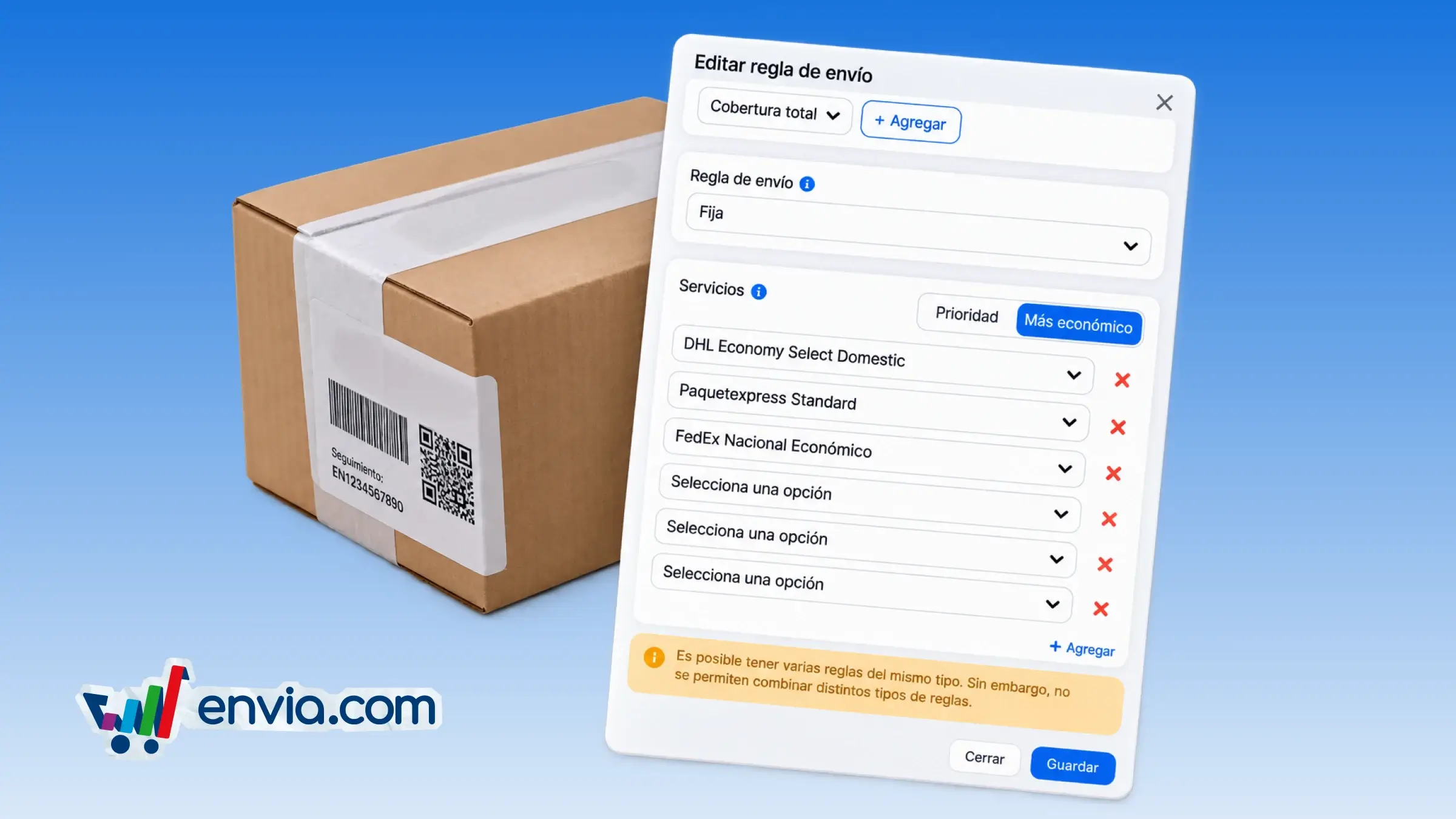
With this feature you can include several carrier services in a single automatic shipping rule, starting with one required service and adding up to ten. On the settings screen, you choose a service, click add and select another, or remove any service after the first. Each time you save, the system records the full list of services and sends it when you create, update, deactivate or delete the rule. It is useful for stores that use different shipping options, such as standard, express or specialized, within the same rule. This reduces the need to create separate rules and keeps everything under control in one place.
Benefits
- You can combine several carrier services in a single rule, adapting it to different shipping options.
- The system automatically saves and sends the full list when you activate, deactivate or delete the rule, with no extra steps.
- Shoppers always see the right shipping option, which improves their checkout experience.
Note
Only the first service is required; the rest are optional.