


Monday–Friday collections in two clicks, with real weight from your CSV
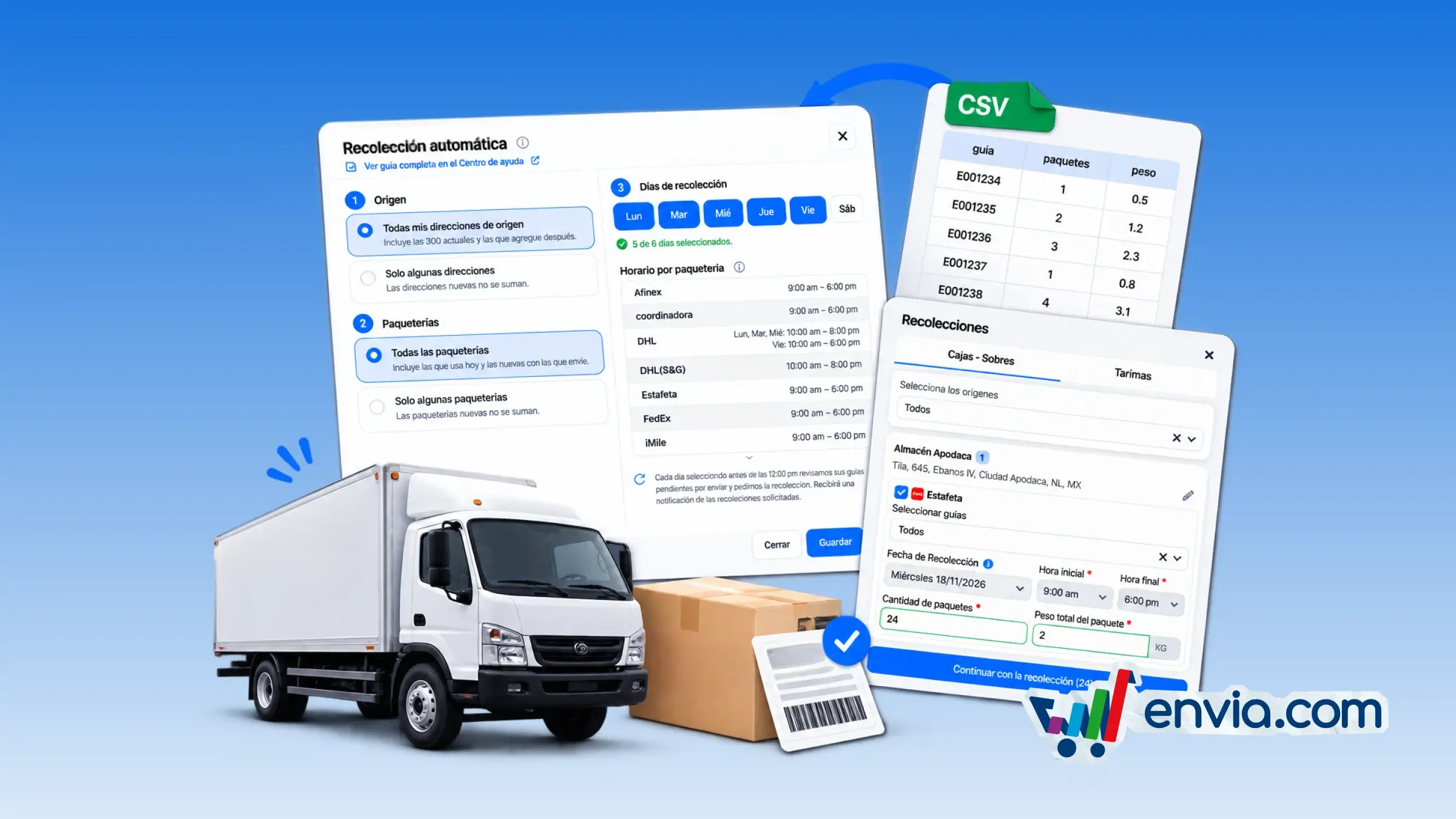
When you create an automatic collection rule, Monday through Friday come pre-selected, so you just open the form and save. Saturday stays unselected and you can adjust the days anytime, and if your courier doesn't service a given day, that day isn't scheduled. In the bulk CSV upload, the template includes two optional columns, parcels and weight, so you can enter what you actually hand over for each waybill. That value replaces the one on the waybill before the total is calculated, and if you leave the cell blank, the original is kept. When a row contains invalid data, only that row is rejected and the rest of the file is imported.
Benefits
- Enter the parcels and weight you actually hand over per waybill, even if the waybill says something else.
- Your Monday–Friday rule is saved in two clicks, with no need to check each day one by one.
- Days your courier doesn't service are left out, and a row with an error won't stop your import.
Note
The Monday–Friday selection applies when creating a rule. To use the parcels and weight columns, download the template from Collections. Your existing files keep working. Automatic collection is available in Mexico.