
 Mexico - Español
  Australia - English
  Canada - English
  India - English
  South Africa - English
  United Kingdom - English
  United States - English
  France - Français
  Italy - Italian
  Brazil - Português
  Portugal - Português
  Argentina - Español
  Chile - Español
  Colombia - Español
  Guatemala - Español
  Peru - Español
  Puerto Rico - Español
  Spain - Español
  Uruguay - Español
 Top up your balance and complete payment without leaving Envia
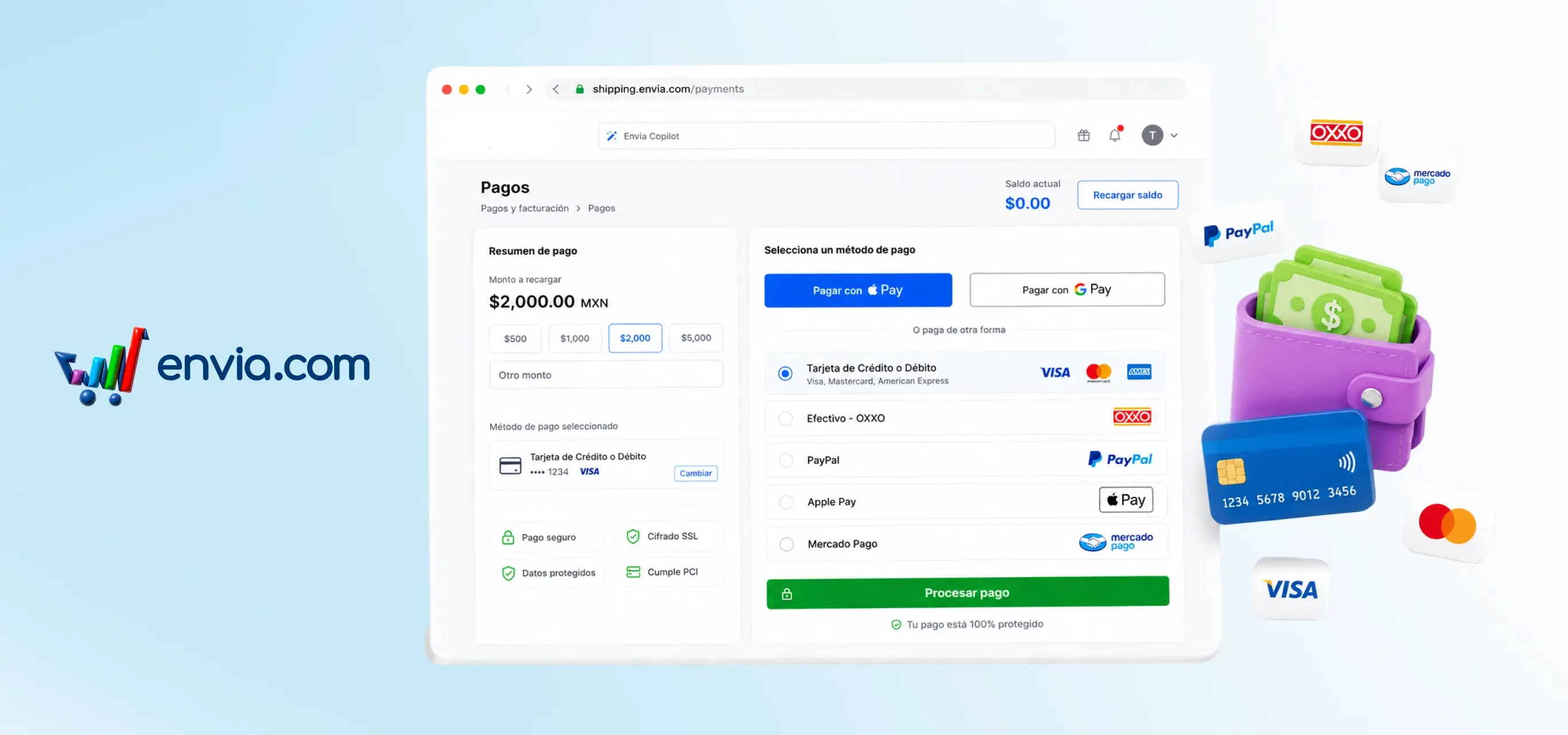
When you top up your balance, the payment process appears directly on the same page — no pop-ups, no redirects. Select the amount, click 'Proceed to payment,' and checkout is right there with your details pre-filled. Choose from credit or debit card, cash, PayPal, Apple Pay, or Google Pay. You can also pay from the side payment panel without navigating to another section.
Benefits
- Fewer steps between you and a topped-up balance: no waiting for another window to open, no losing what was on your screen.
- Security badges (Secure Payment, SSL Grade, Protected Data, PCI) are visible throughout the entire process, within your Envia account.
- Top up from the side panel while creating a shipment and return to exactly where you left off, without interrupting your workflow.