
 Mexico - Español
  Australia - English
  Canada - English
  India - English
  South Africa - English
  United Kingdom - English
  United States - English
  France - Français
  Italy - Italian
  Brazil - Português
  Portugal - Português
  Argentina - Español
  Chile - Español
  Colombia - Español
  Guatemala - Español
  Peru - Español
  Puerto Rico - Español
  Spain - Español
  Uruguay - Español
 Choose the origin address when creating a manual order
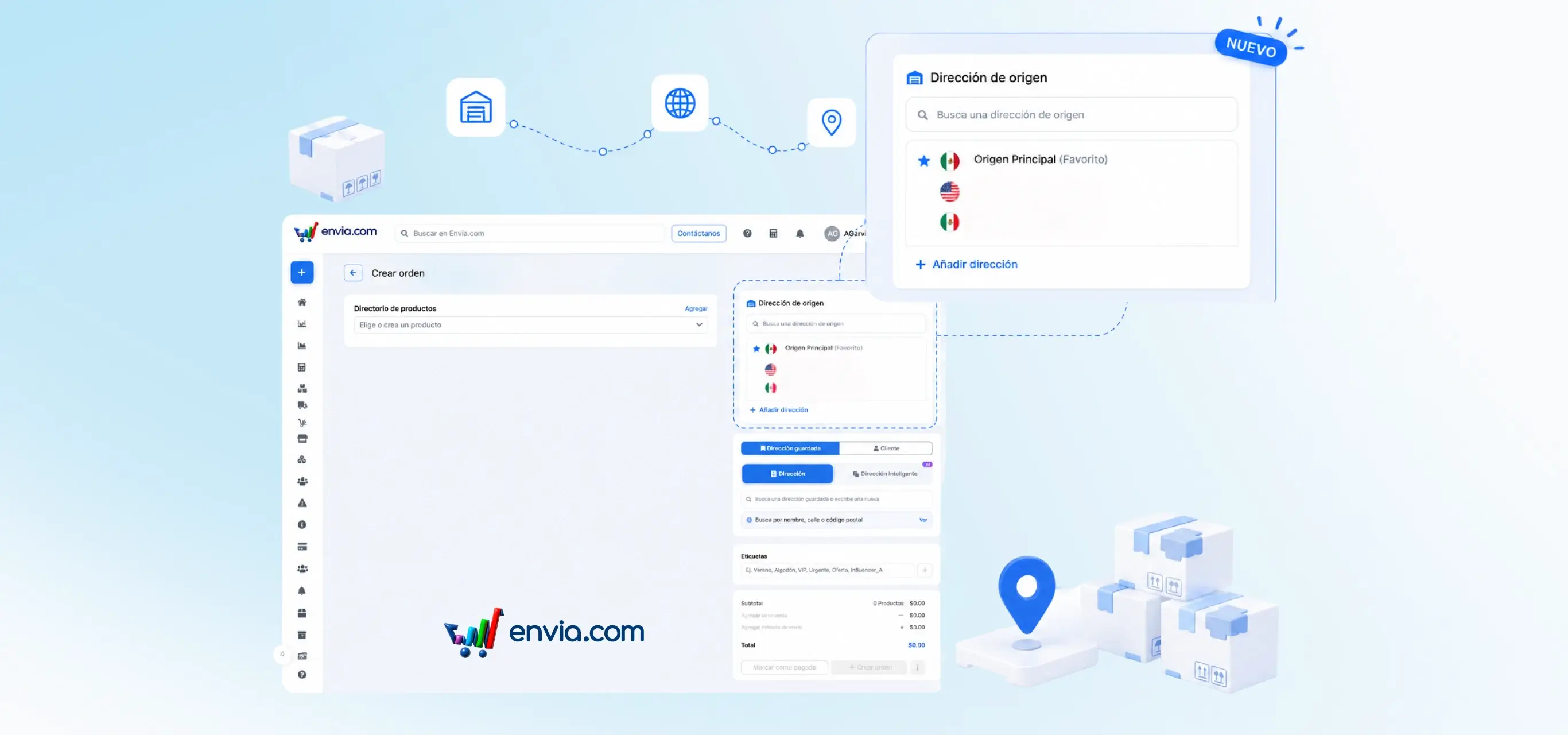
When creating a manual order in Ecommerce Pro, you can view and choose the address from which the shipment will be dispatched. You may search for or select an origin address, or add a new one without leaving the screen. The system can pre-select your store's preferred origin, and it uses the selected address to quote the shipment and save the order. If any details are missing from the address, an alert will be shown so you can complete them before proceeding. This way, you control the dispatch point for each order when operating with more than one origin.
Benefits
- Choose the origin for each manual order, instead of relying only on your store's preferred address.
- Create or select the origin on the same screen, without navigating to another section to configure addresses.
- Quote with the correct origin from the start, reducing errors while generating the shipping label.
Note
The origin address is mandatory to create the order. If it is incomplete, please complete the missing details before quoting or saving.