
 Mexico - Español
  Australia - English
  Canada - English
  India - English
  South Africa - English
  United Kingdom - English
  United States - English
  France - Français
  Italy - Italian
  Brazil - Português
  Portugal - Português
  Argentina - Español
  Chile - Español
  Colombia - Español
  Guatemala - Español
  Peru - Español
  Puerto Rico - Español
  Spain - Español
  Uruguay - Español
 Version 5.1 of the WooCommerce plugin is now available
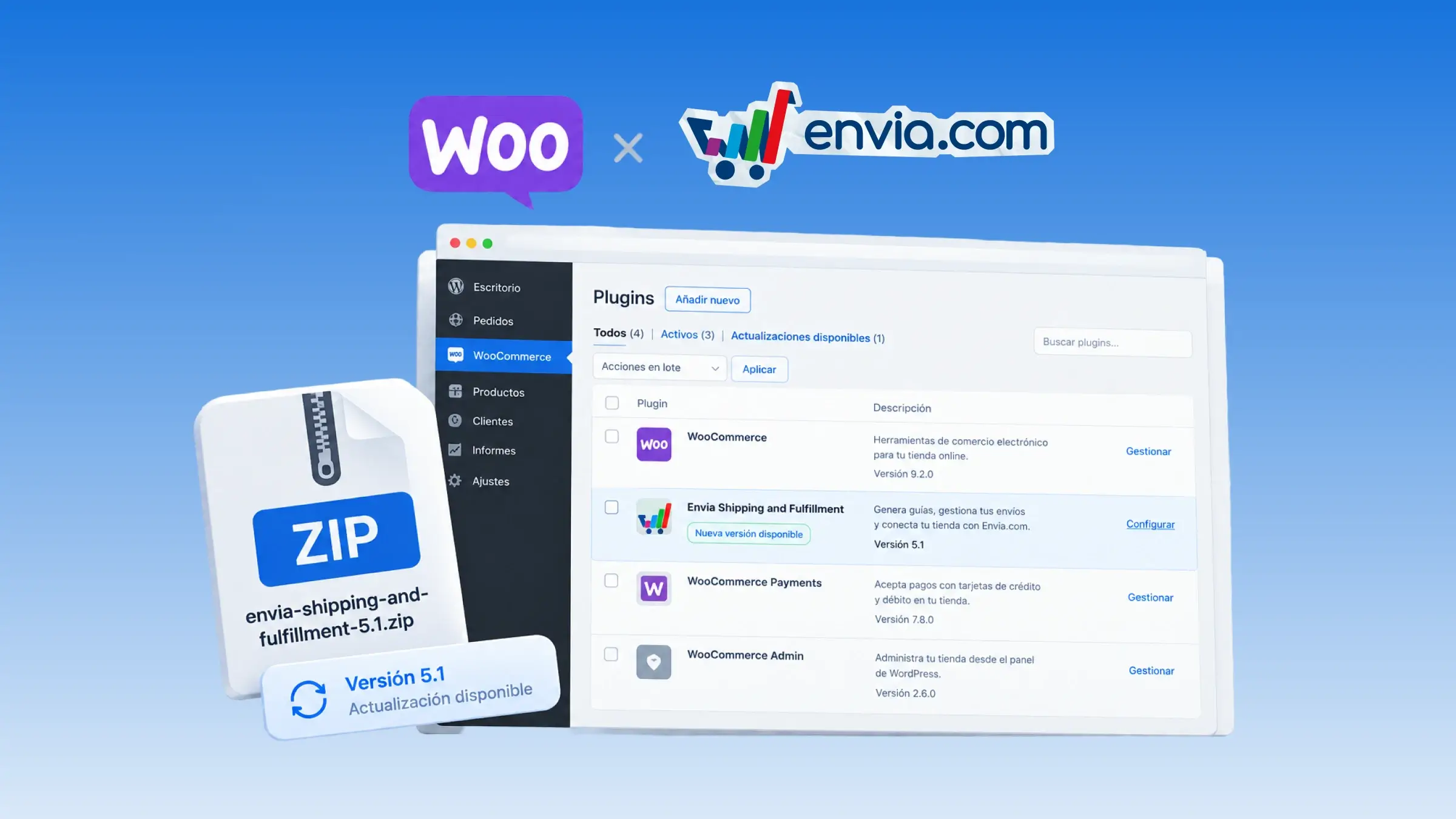
With version 5.1 of the Envia Shipping and Fulfillment plugin, you create the shipping label from the order screen in WooCommerce, with package details, rates, and customs data for international shipments. For branch-to-door or branch-to-branch services, you choose the origin branch using search, province, locality, branch type, and a map centred on the nearest one. From the same order, you can also create the return label and cancel a label. When you cancel the outbound label, the shipment is unlinked in Envia and the order moves to on hold. On the order, you can see whether each label is still active or already cancelled, and the tracking number in the list opens tracking on Envia.com. At checkout for international shipments, the buyer can enter their tax ID. The estimated delivery time in the pickup options follows the same setting you use for home delivery rates.
Benefits
- You choose the origin branch for branch-to-door or branch-to-branch services, and fill in the customs data when the shipment is international.
- You create the outbound and return labels from the order screen in WooCommerce.
- On the order, you can see whether the label is still active or already cancelled, and the tracking number opens tracking on Envia.com.
Note
When you cancel the outbound label, the order moves to on hold, unless it is already cancelled or on hold. The origin branch is chosen when the service is branch-to-door or branch-to-branch.